

unpin
Unpin / AI Studio

AI Image Upscaler

Make a small or compressed photo up to twice as large with sharper, cleaner detail. Upload one image, check the size it will become, and download the larger version.

Every tool shows its exact credit cost before you generate.

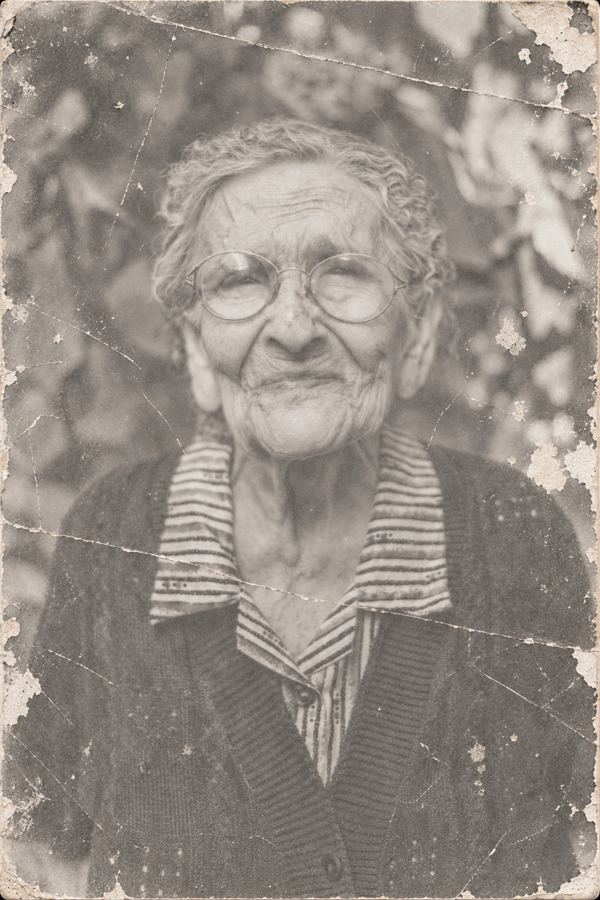
Aged portrait used for illustrationOriginal portrait used for illustration
Illustrative comparison · Not an AI upscaler result

How it works

  1. Choose a JPG, PNG or WebP photo up to 20 MB.
  2. Check the output size and credit cost shown before you start.
  3. Generate, then open or download the upscaled image.

Good uses for the image upscaler

  • Low-resolution images saved from an old phone or a chat app.
  • Scanned family photos you want to print or share larger.
  • Product photos that look soft when shown at full width.

Formats, limits and credits

  • Inputs: JPG, PNG or WebP, up to 20 MB.
  • Output: up to 2× larger, capped at about 24 megapixels. PNG stays PNG; other formats are saved as JPG.
  • Cost: 20 Studio credits per photo. One free photo upscale per eligible verified account at launch.

Studio files are uploaded for processing by our AI providers, deleted from Unpin when a job finishes, and results are kept for 7 days unless you delete them sooner. How AI Studio handles files

Questions

Will it repair scratches or add colour to old photos?

No. The upscaler improves resolution and detail. It does not remove scratches, colourise black-and-white photos or rebuild missing parts of an image.

How much larger will my photo get?

Up to twice its width and height. Very large images are enlarged less so the result stays within about 24 megapixels; the exact size is shown before you generate.

Can it recover a badly blurred photo?

It can sharpen soft detail, but it cannot invent detail that was never captured. Results vary with the source.

Is my original changed?

No. Your original file stays as it is. Unpin creates a separate upscaled copy.

What does it cost?

20 Studio credits per photo. Each eligible verified account gets one free photo upscale at launch.

Related tools

Where your files are processed.

Images, video, and audio you select are processed in your browser. That includes batch conversions, background removal, audio noise reduction, and ZIP downloads. We do not upload those files to a conversion server.

Supported everyday tools process files on your device. Studio processes uploads securely on servers: AI Studio files are uploaded for processing by our AI providers, deleted from Unpin when a job finishes, and results are kept for 7 days.

Closing or refreshing this page clears the active files and results. Files you download remain wherever you save them. Your original files are unchanged.

Reel and TikTok downloads are different: the link and its video are processed on Unpin’s server and by our download provider, as explained in the Download tool. Transcription sends extracted audio to our transcription provider; video stays on your device.

We do not use advertising trackers or save conversion history. The hosting service receives ordinary website requests, and Google Fonts receives requests to load the fonts. Processing software is downloaded from this site.

YOUR UNPIN ACCOUNT

Your email. You're in.

Your files stay on your device. A free account includes 10 shared tasks per day. Creating an account does not subscribe you to marketing emails.